Emergency Response & Alerting
Incident Activation and Emergency Response
One button opens an incident. The call lands in the centre, the alert leaves through the organisation's own channel, and who is safe comes back.
- Operational Resilience Platform
- Network-Independent Communications
- Real-Time Crisis Management
- Powered by Türkiye's first underground data centre infrastructure
- Backed by the Ministry of Industry and Technology
How it works
Four layers. Two inbound, two outbound: the call comes in, the alert goes out.
- Call
Asking for help is one button.
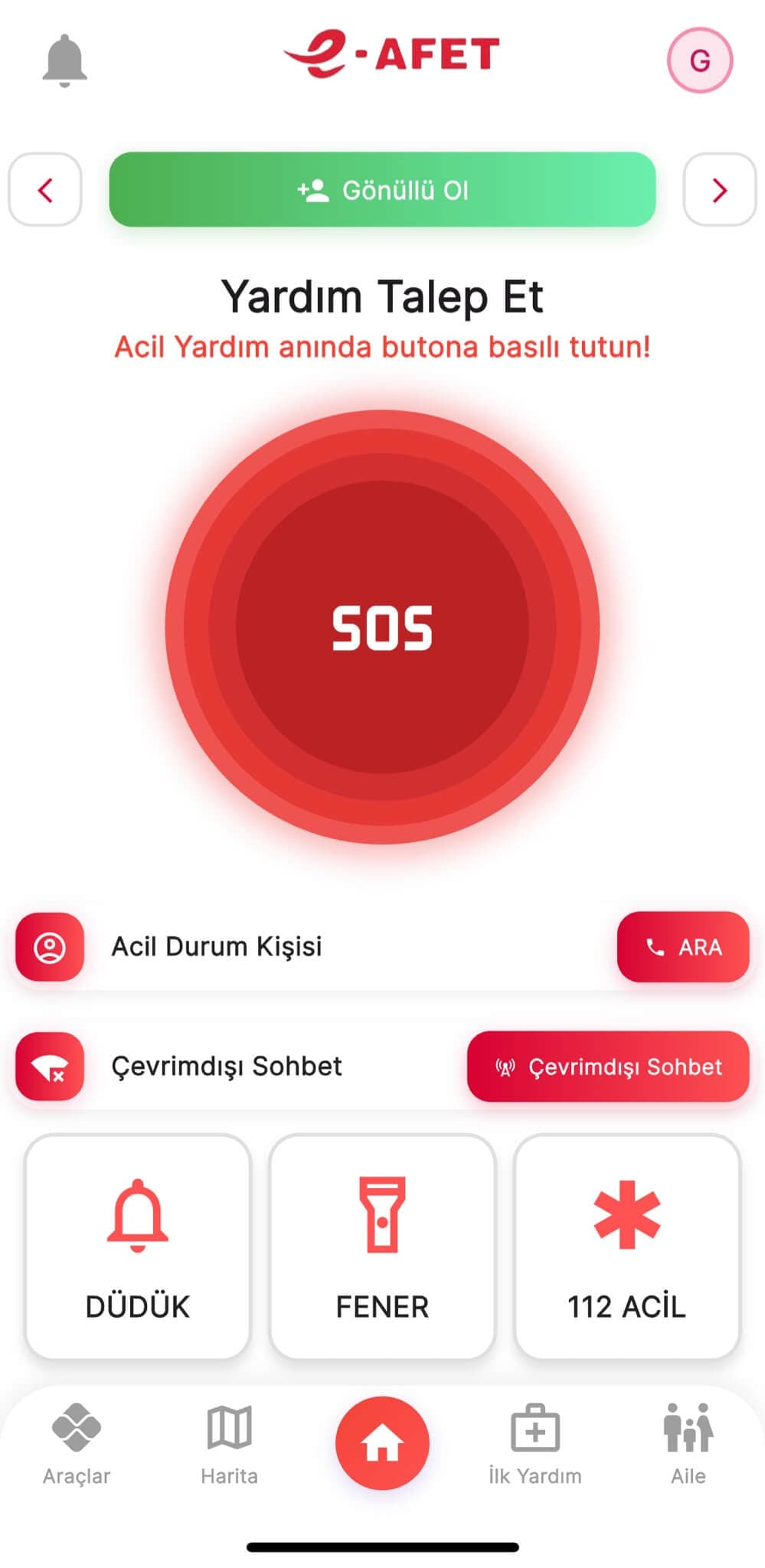
The SOS alarm, request help and the critical response buttons run on the same flow; when needed, the 112 emergency call starts from the same screen. Nobody hunts through a menu in a panic.
- Centre
The call lands in an open incident, not a form.
The Emergency Centre gathers incoming calls in one place; relief request flows show which request sits with whom. A request does not drop into a box and wait; it enters the operation's record.
- Alert
The alert comes from the organisation.
The alert system and verified push notifications leave through the same channel: who the message came from is never in doubt. The earthquake monitoring system keeps the situation on the same screen.
- Status
Who is safe comes back.
The I'm safe check-in sends a status in one tap; location and emergency sharing carry where you are outward when it matters. Response is not one-way.
Asking for help really is one button.
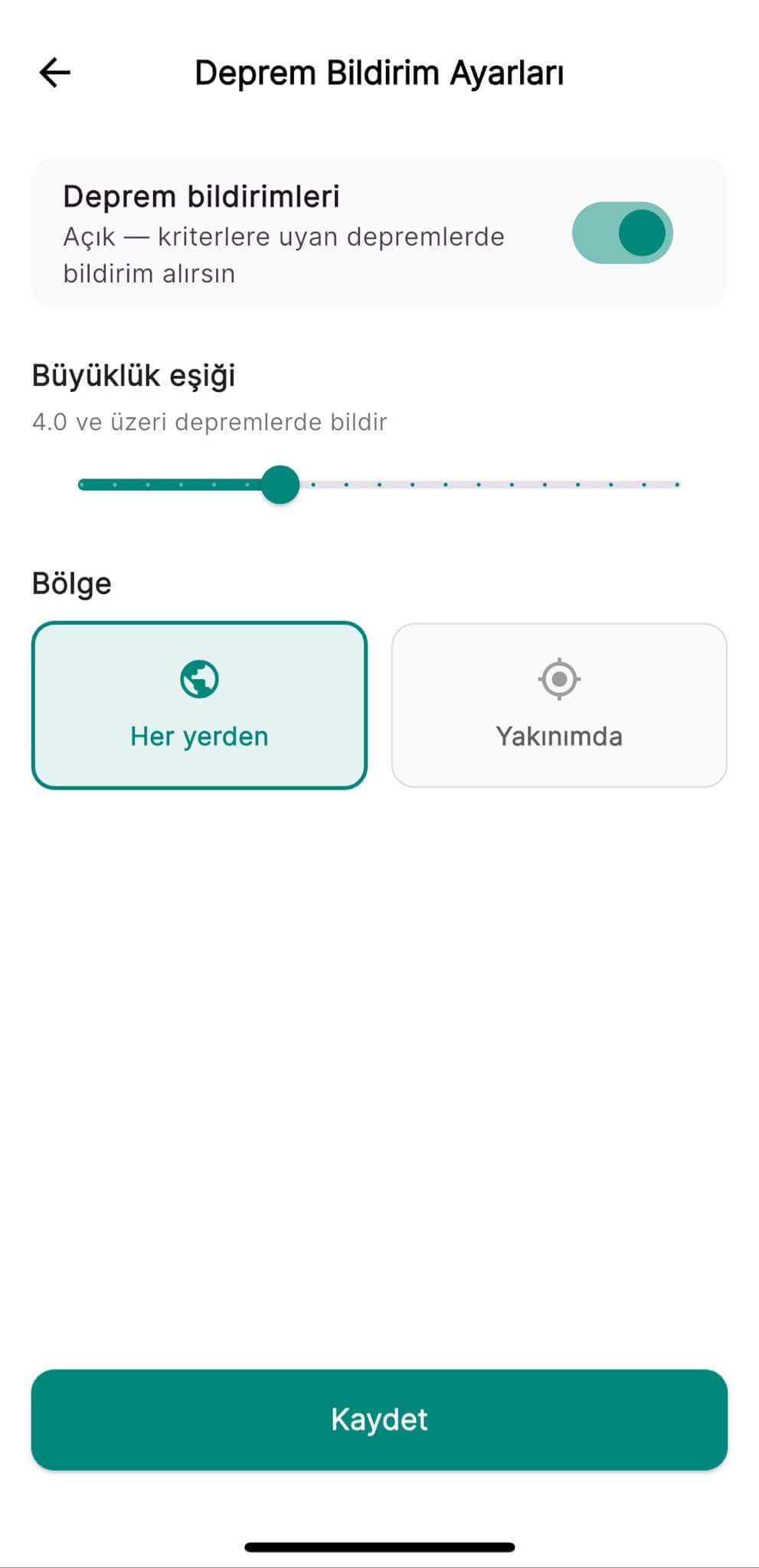
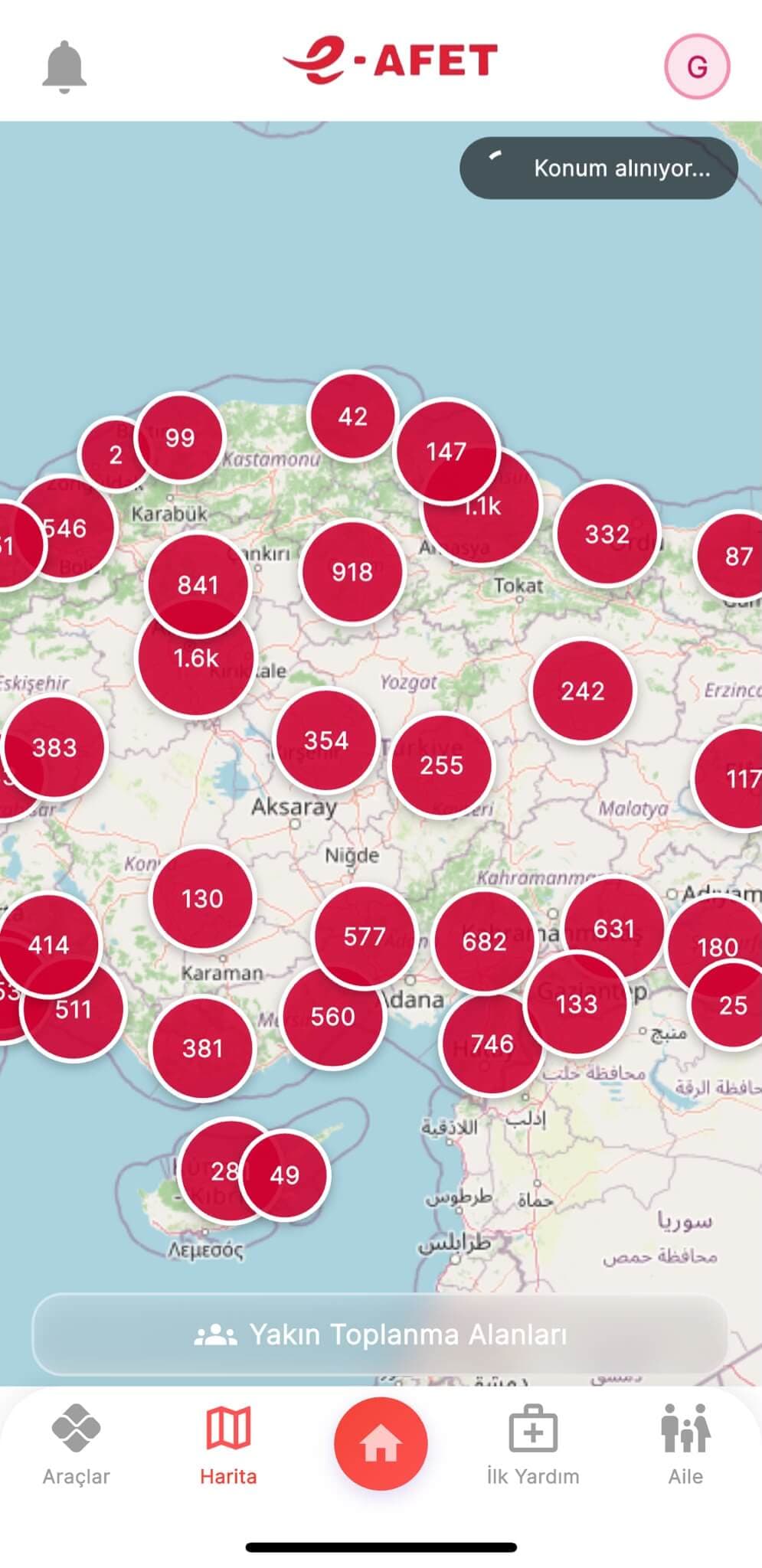
Three views from the app: emergency help on a single button; the earthquake alert threshold and region are the person's own choice; the nearest assembly areas on the map. Captured from the demo environment.
What changes
Asking for help is one button.
The call lands in an open incident, not a form.
The alert comes from the organisation.
The I'm safe check-in is one tap.
Response is not one-way.
This capability leads in:E-Afet CityE-Afet EnterpriseE-Afet Community
Let's talk about your organisation's resilience.
See E-Afet applied to your own scenario in a 30-minute demo.